HoneyBook · 2025
An AI business partner you just ask.
I was the design lead and builder on the launch, and owned it end to end: the chat component system, the opt-in flow and the conversational design.
In short
In 2025 HoneyBook repositioned from a CRM to an AI business partner. The AI chat was the first place that promise had to be real: answers about your projects, your strategy and HoneyBook itself, built on your own business data.
How I worked
I led the design from research to launch. I ran concept testing, chose the interaction model with the team, wrote the rules for the AI's voice, and shaped a rollout in 3 waves so we could fix rough edges before everyone saw it.
The challenge
Business owners felt lost in their own tool.
Strategic insecurity
Unsure how to grow or where to focus next.
Operational overwhelm
Tasks and deadlines pile up across projects.
Buried answers
One client question takes 6 clicks to answer.
Hidden features
Members can't find or figure out what exists.
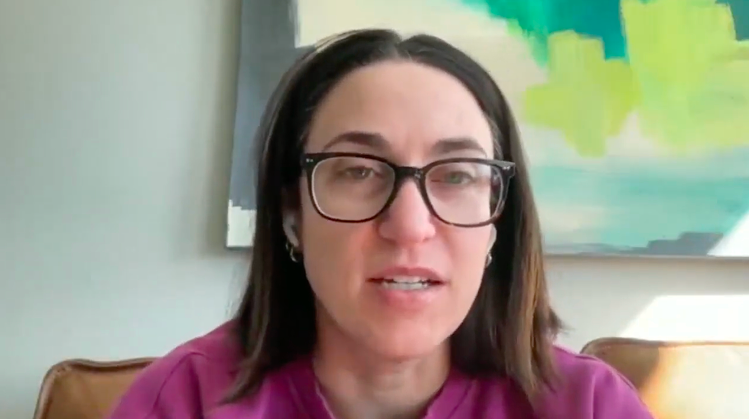
“I open HoneyBook on my phone, search the person's name, find their project, go into their invoice… did they book 8 people or 7?”Ivy, makeup artist, beta member interview
Research
We learned what people would actually ask.
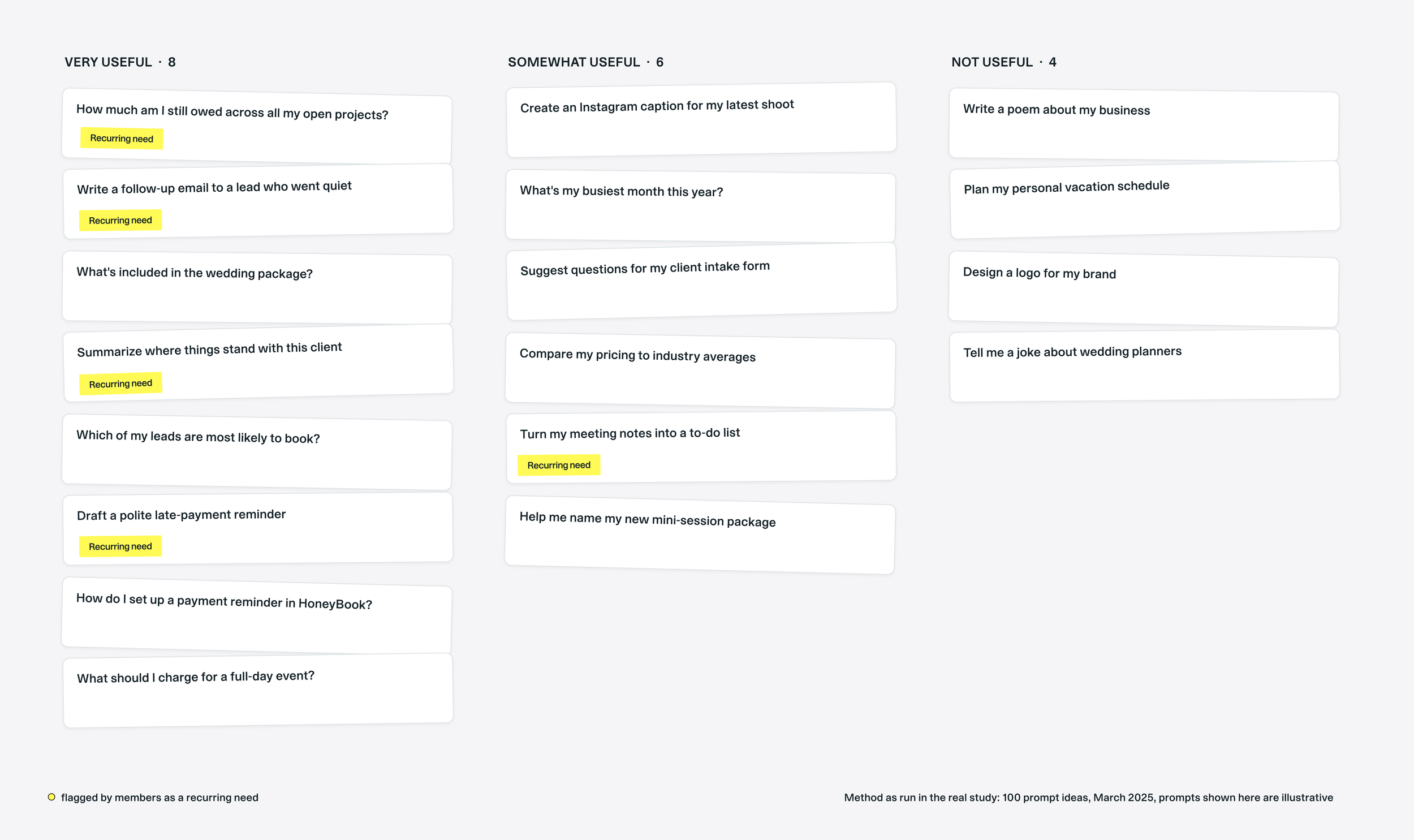
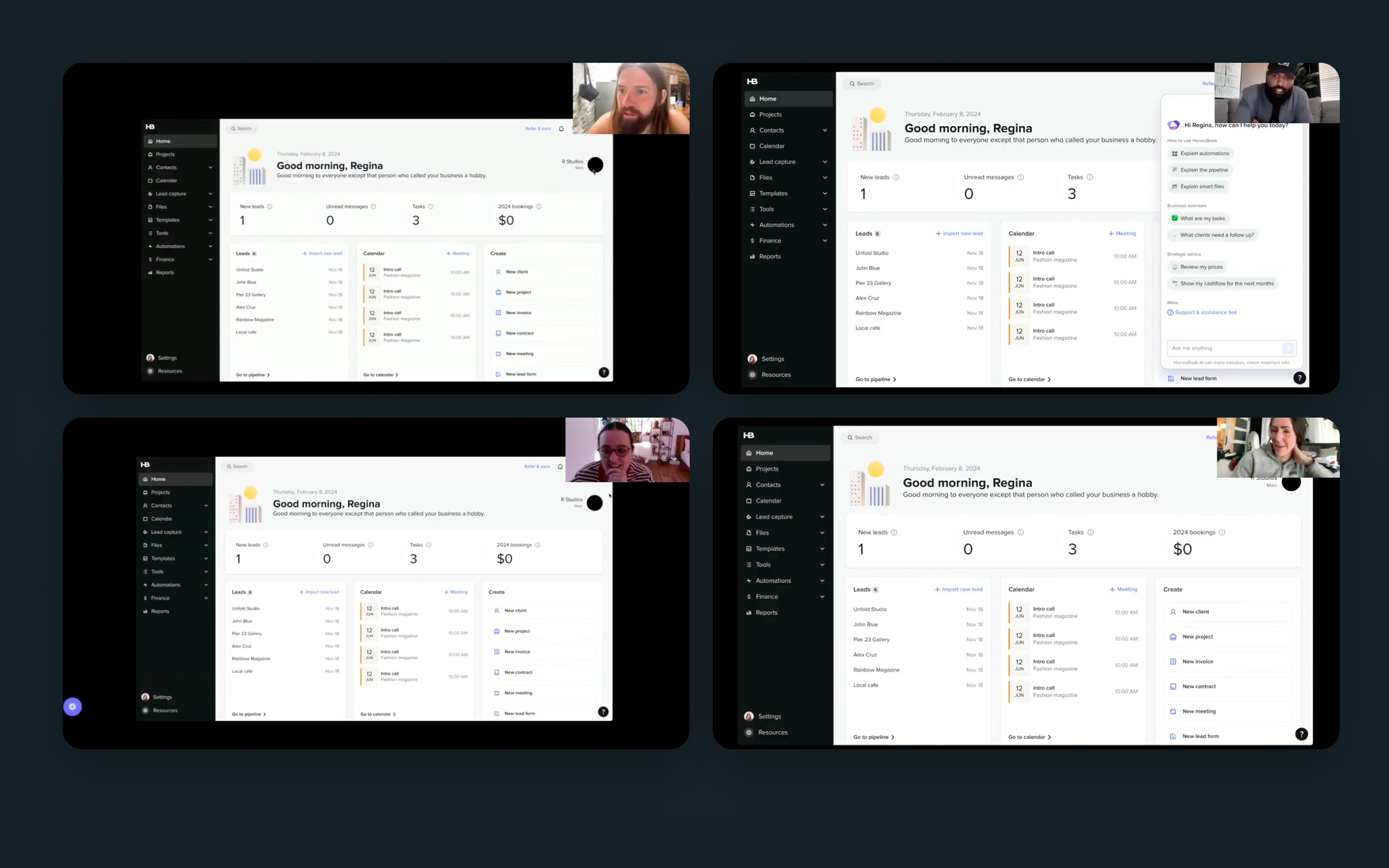
Before locking the design we ran moderated concept tests, interviews and a card sort of prompt ideas.
The work
How it came together.
01
A popover, not a floating blob
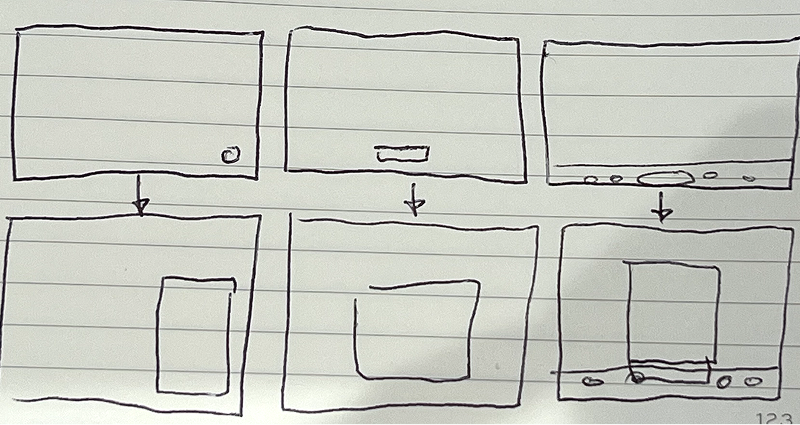
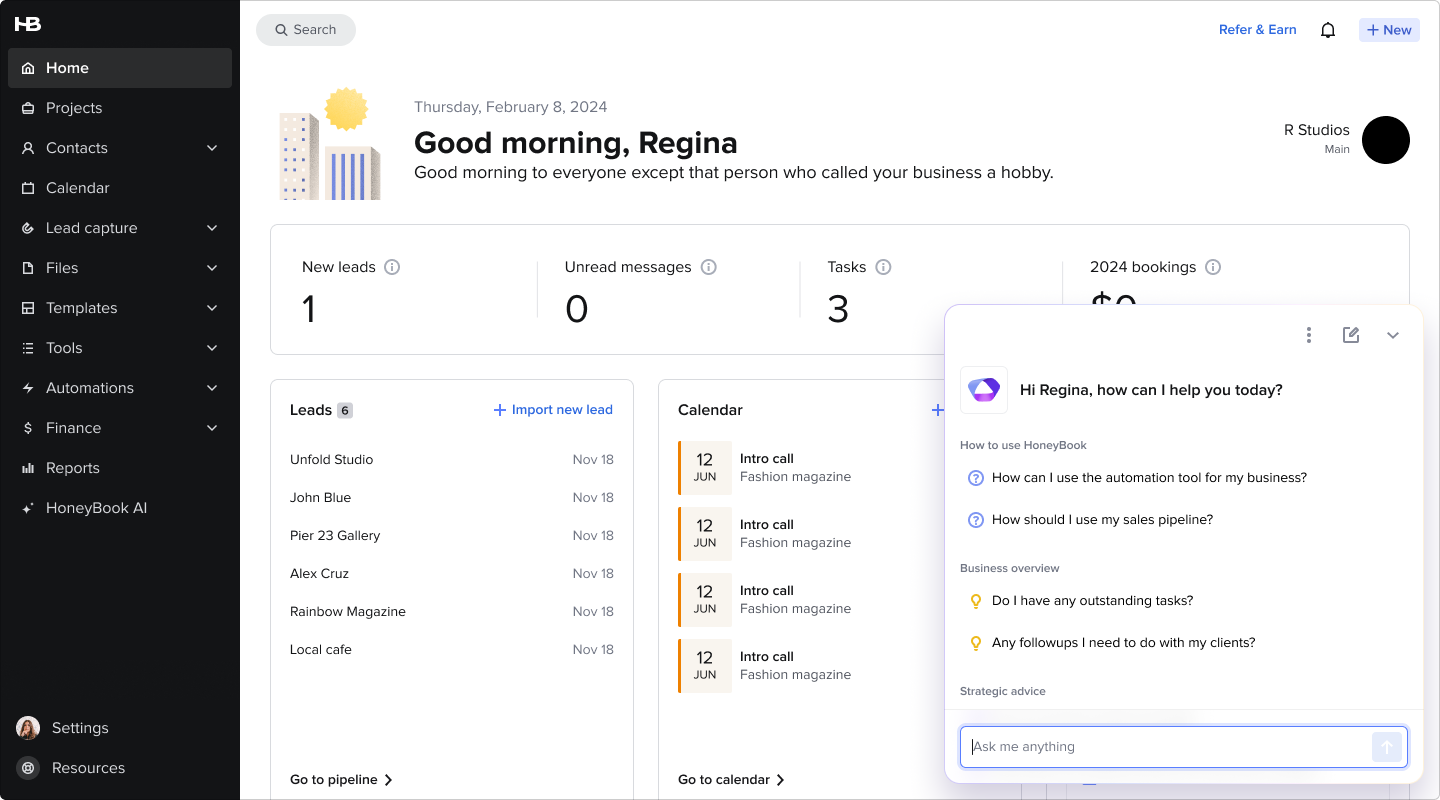
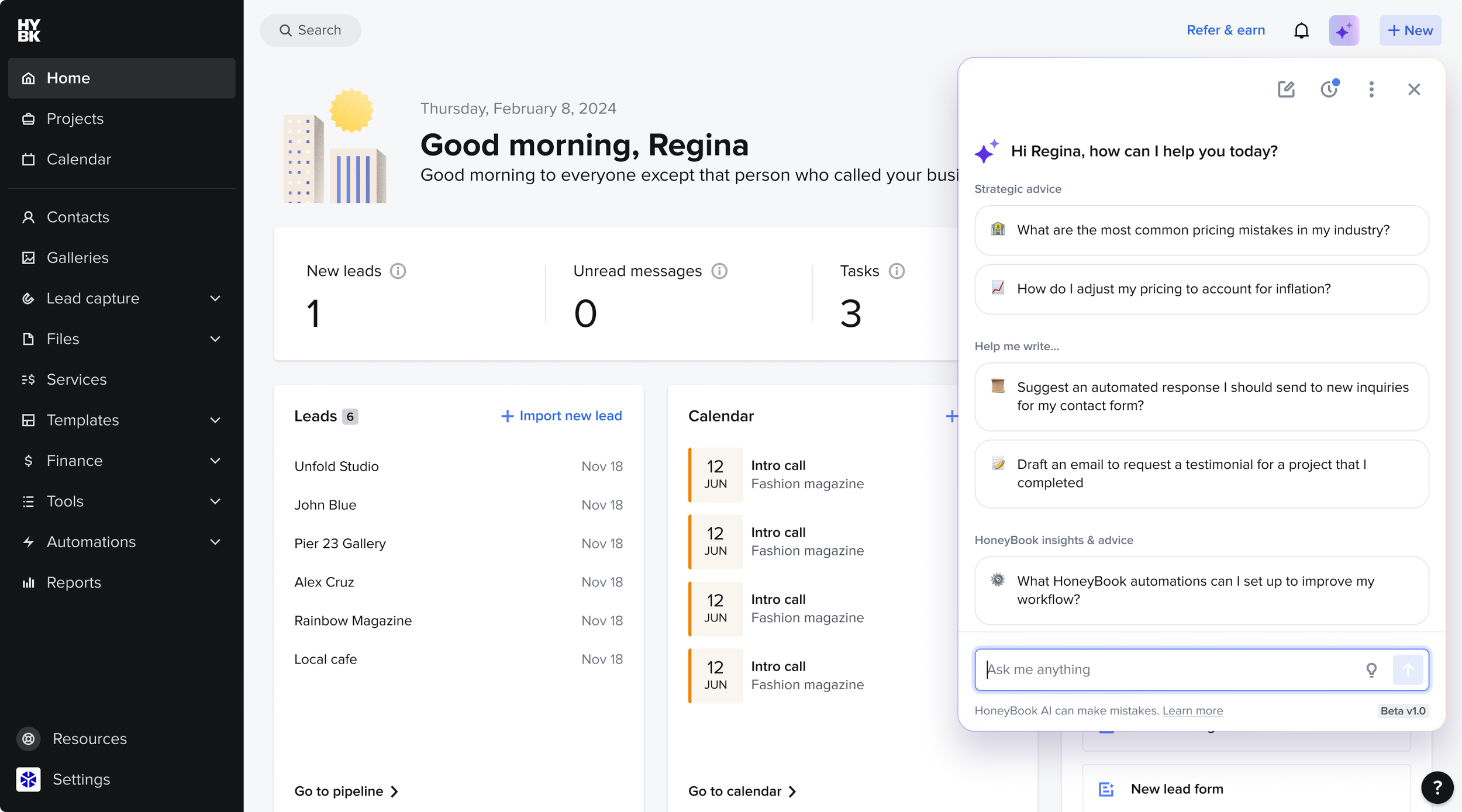
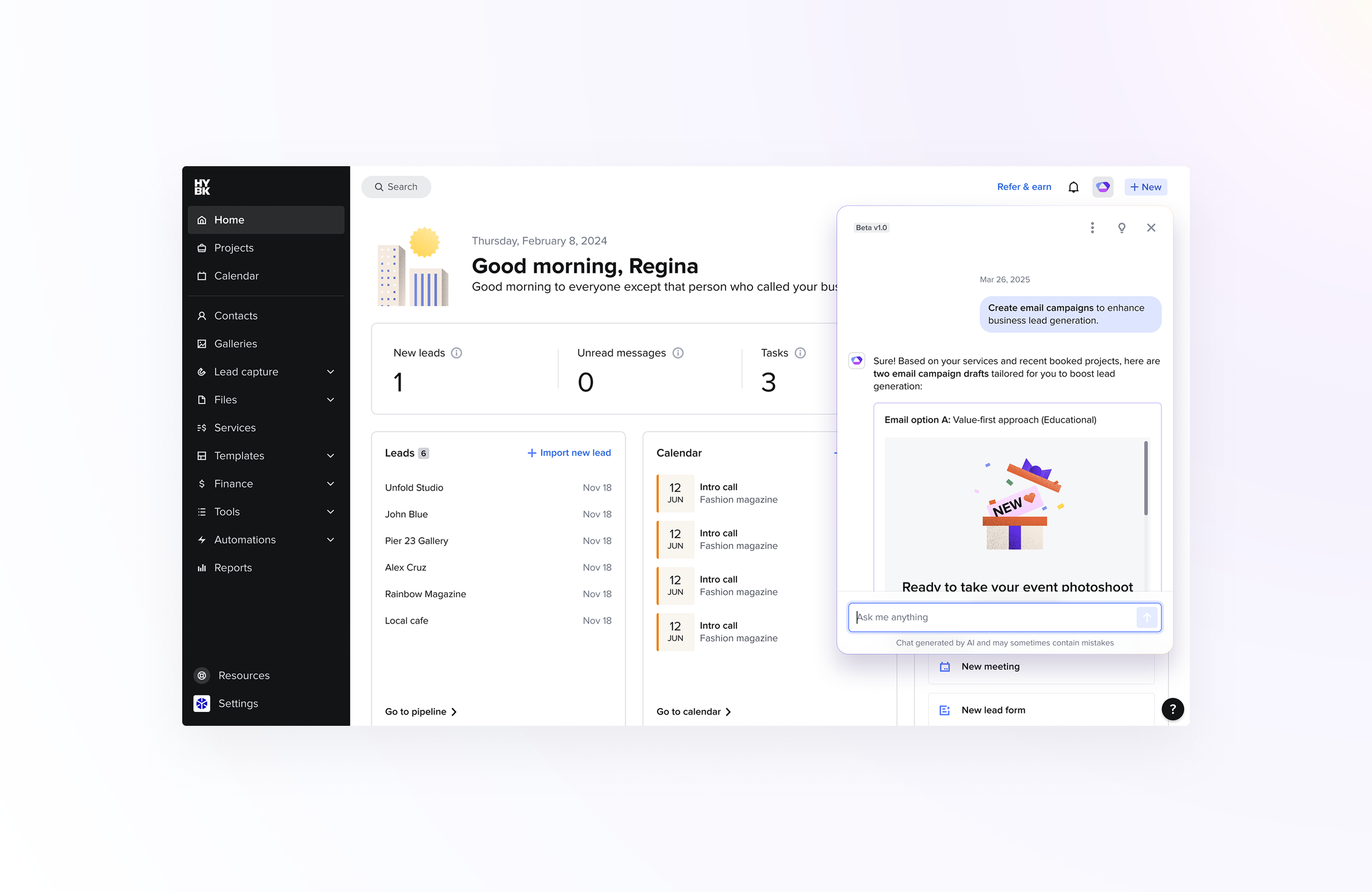
We tested a floating AI “blob” that follows you across screens against a calm top-nav icon that opens a popover. The blob won attention but lost on control: members got confused when screens changed underneath it. We shipped the popover.
02
An assistant first, not an agent
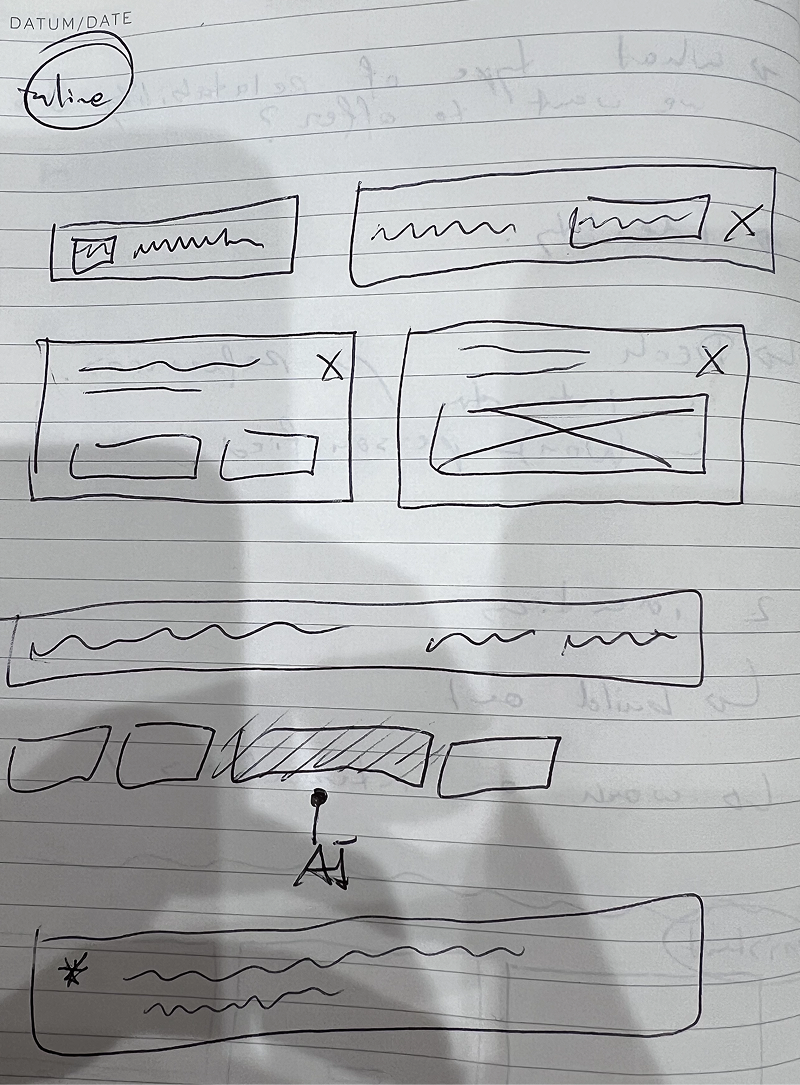
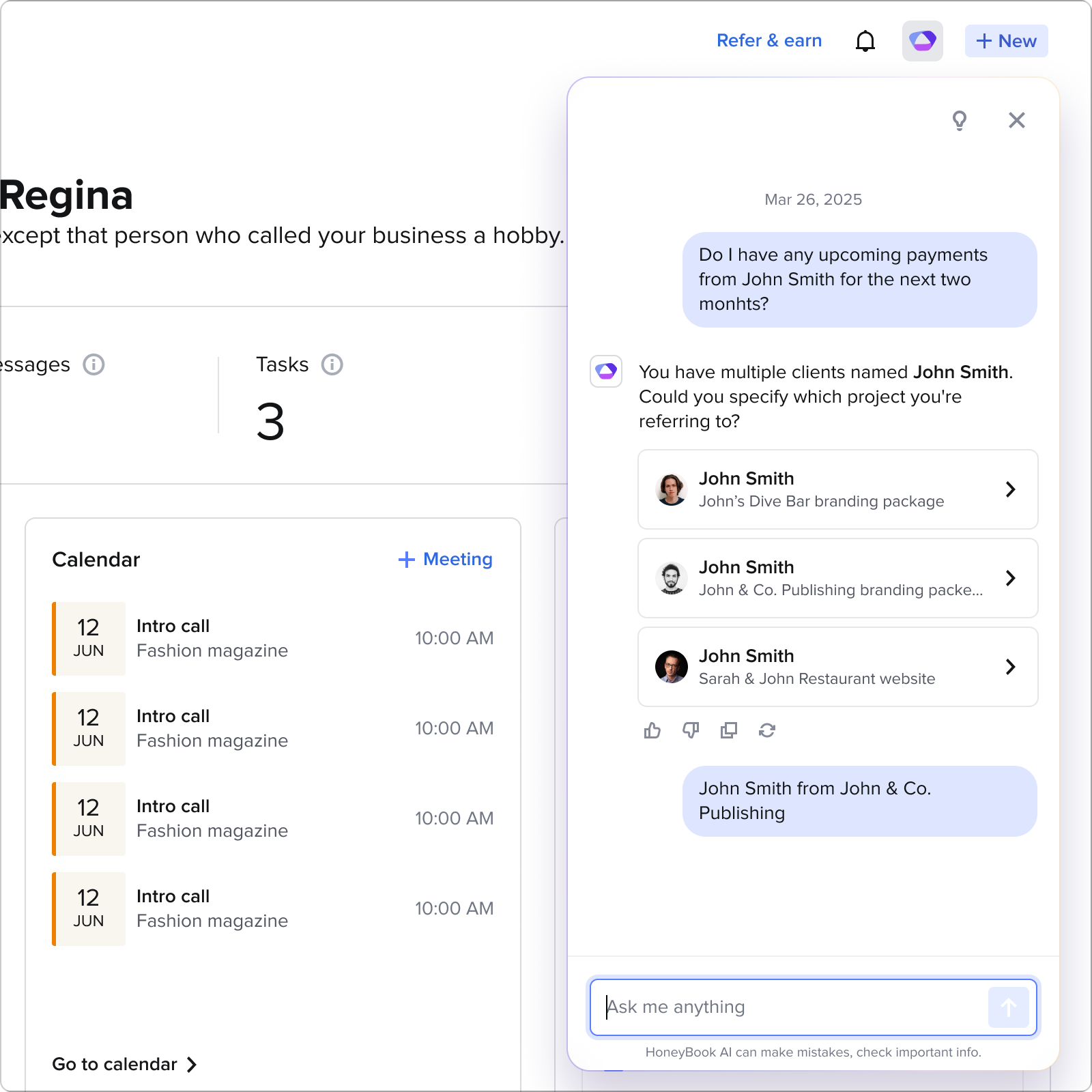
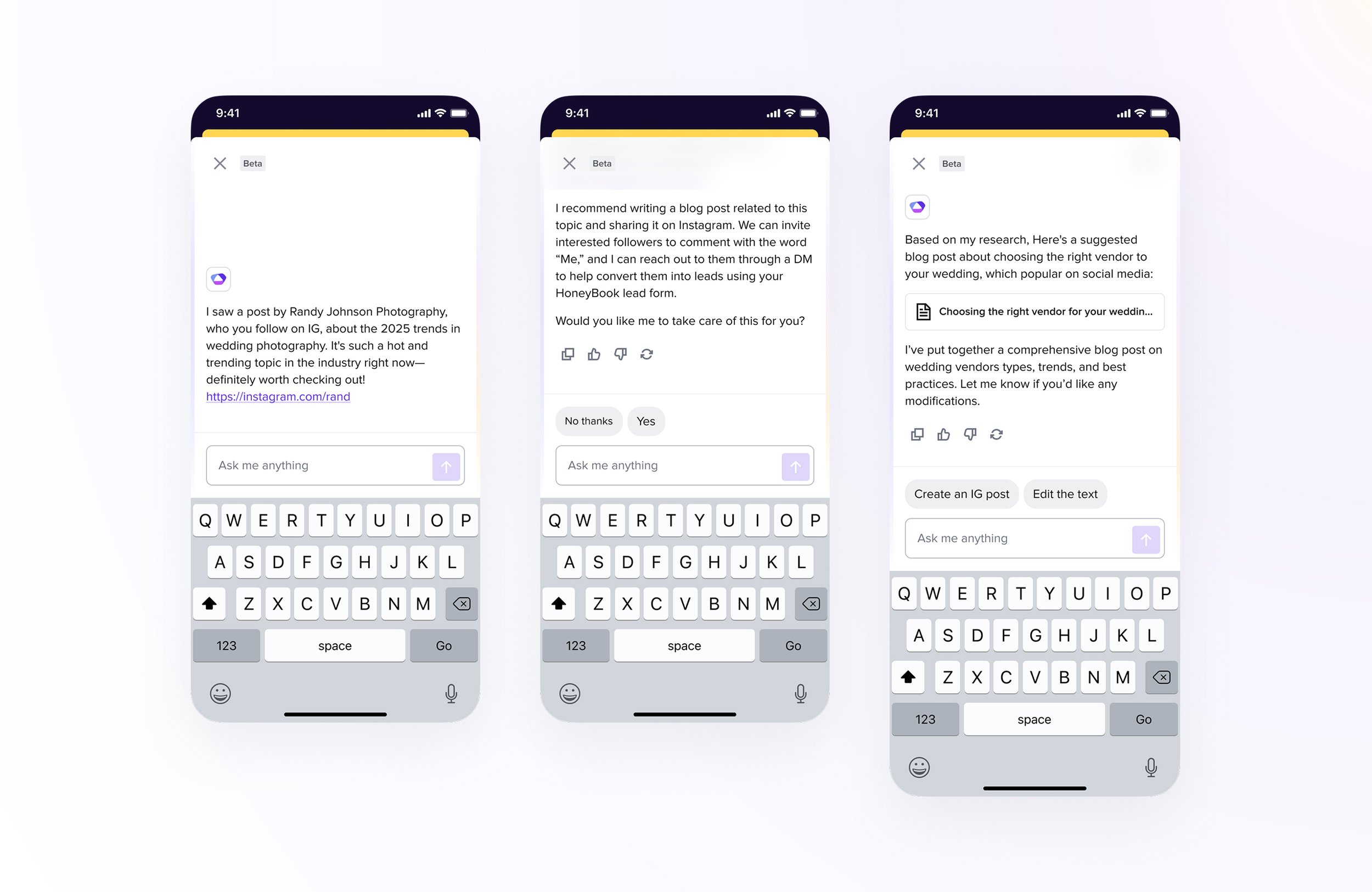
V1 stayed an assistant on purpose: it drafts emails and answers questions, while a defined list of actions stays in the owner's hands. When a question is ambiguous (“John's wedding”, and there are 3 Johns), it asks, with a project picker right inside the input.
03
Designed for trust
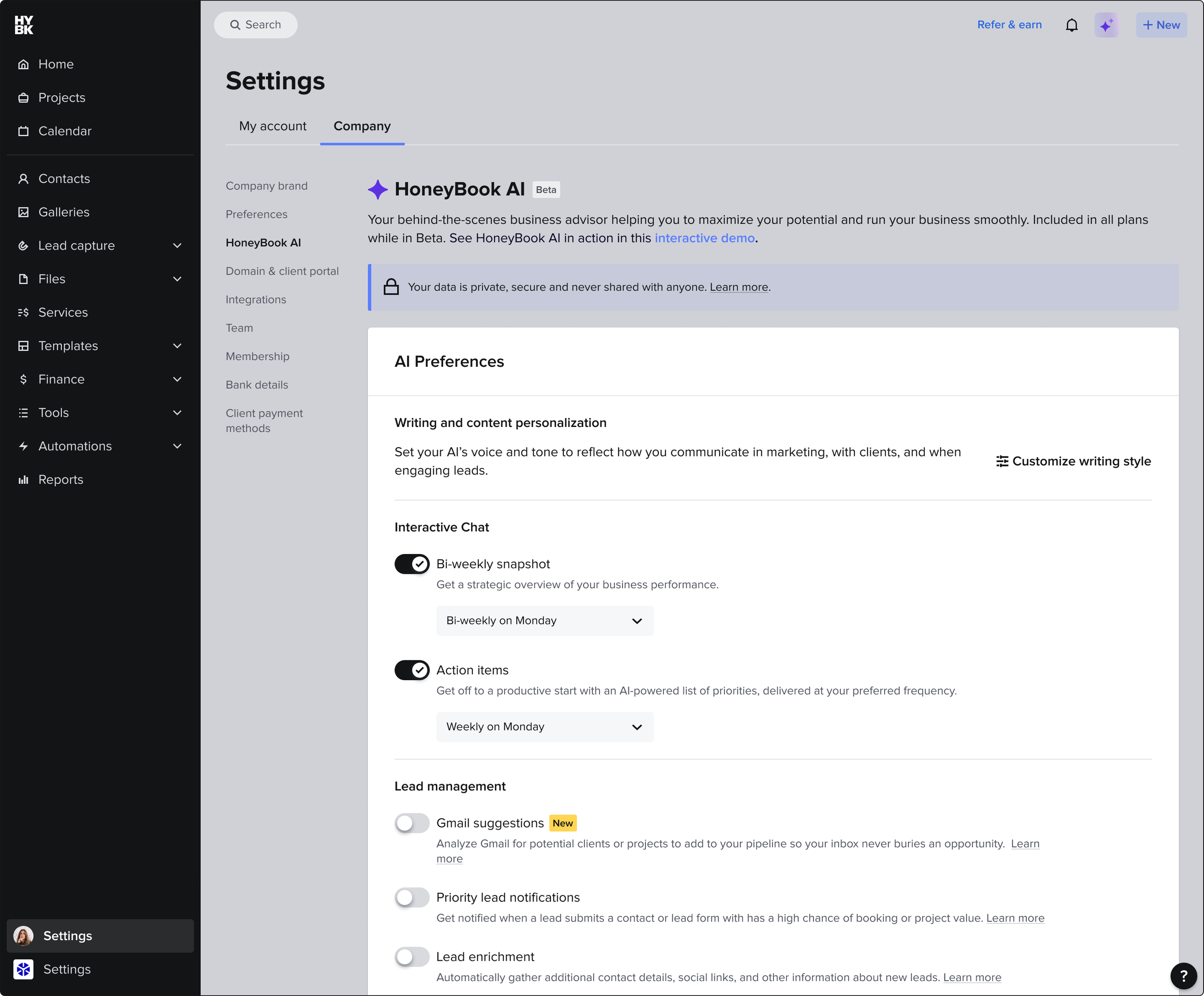
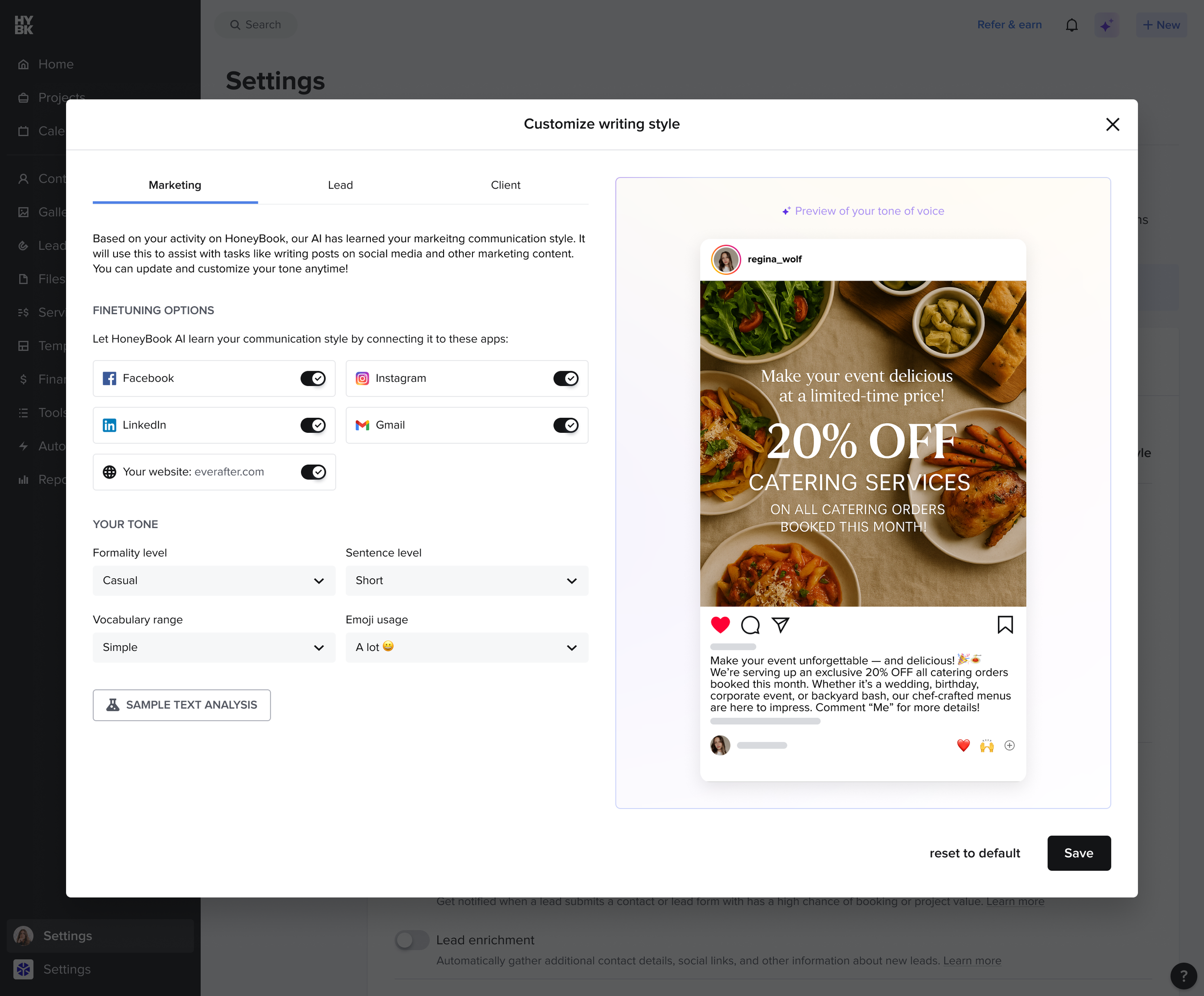
An AI that touches your money and your clients has to earn its place: a clear opt-in that sets expectations, a disclaimer that stays, thumbs feedback on every answer, and a waitlist the opt-in flips to if quality dips. Even the AI's voice had written rules for tone, structure and restraint.
04
An interface that feels like a partner
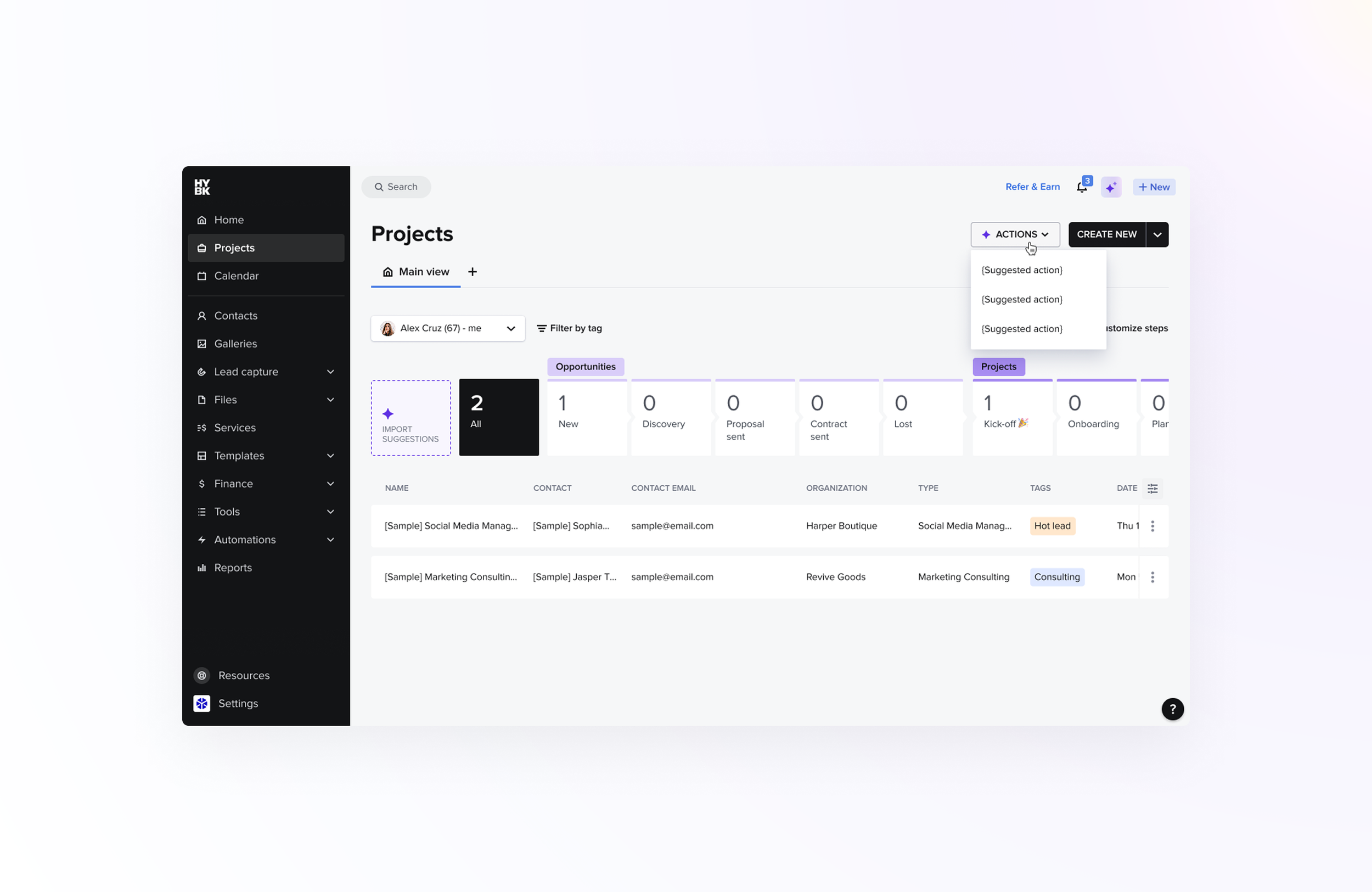
Answers stream in with a thinking-then-typing motion, with rich formatting, and every answer carries thumbs, copy and regenerate. A prompt library behind a lightbulb rotates suggestions daily, so a blank input is never a dead end.
Results
Launched to every member, in 3 safe steps.
- A live channel showed every conversation, so design, product and engineering fixed rough edges within days
- We tracked opt-ins, weekly use, retention and the thumbs-up rate on answers
The final design
What shipped.
Looking back
What I'd do differently.
Publish the voice rules earlier
The AI's voice rules came together during the build. Sharing them with content and support from the start would have made every answer sound like HoneyBook sooner.
Measure trust, not just usage
We watched opt-ins and thumbs. I'd add a direct trust signal, like how often members acted on an answer without double-checking it.
Bring agent moments in sooner
Staying an assistant was right for V1. I'd prototype the first agent actions earlier, so the jump later feels natural, not new.